Category Archives: meta

AI

A couple of days ago I signed up to The Human made Webring, a ring for people actively avoiding AI on their own web sites. That is not all of the philosophy of course, but I have a confession. Not a deep or in-depth confession.

I use AI.

I have been thinking, how do I use it?

Most of the time it is entirely involuntarily. That said, I do try to avoid it wherever I can:

  • I switched AI off on my iPhone. Being honest, when I last tried it, it was not much help, especially attempting to summarise incoming messages or grouping alerts. Now there may be a time when it’s unavoidable, you know how fashions go.
  • It’s switched off at Github.com. I do not code much but when I do I prefer to do things myself (yes, with help from StackExchange.com).
  • I use the Kagi.com search engine (without its AI). It simplifies search, no AI summary, no ads, no sponsored content. It finds stuff without the guff.
  • I haven’t touched Facebook for a while. It’s sometimes necessary to find out what’s happening locally or for shop opening times. I do use WhatsApp because I’d struggle to keep in touch with people I care about – those who don’t use Mastodon.
  • Twitter is occasionally a necessary evil for hyper-local news.
  • My car is over 16 years old and not even the clock updates automatically. I don’t know if I’d have auto updates by spending the extra £1,000 for the top of the range version. But even that just had more things to potentially go wrong.
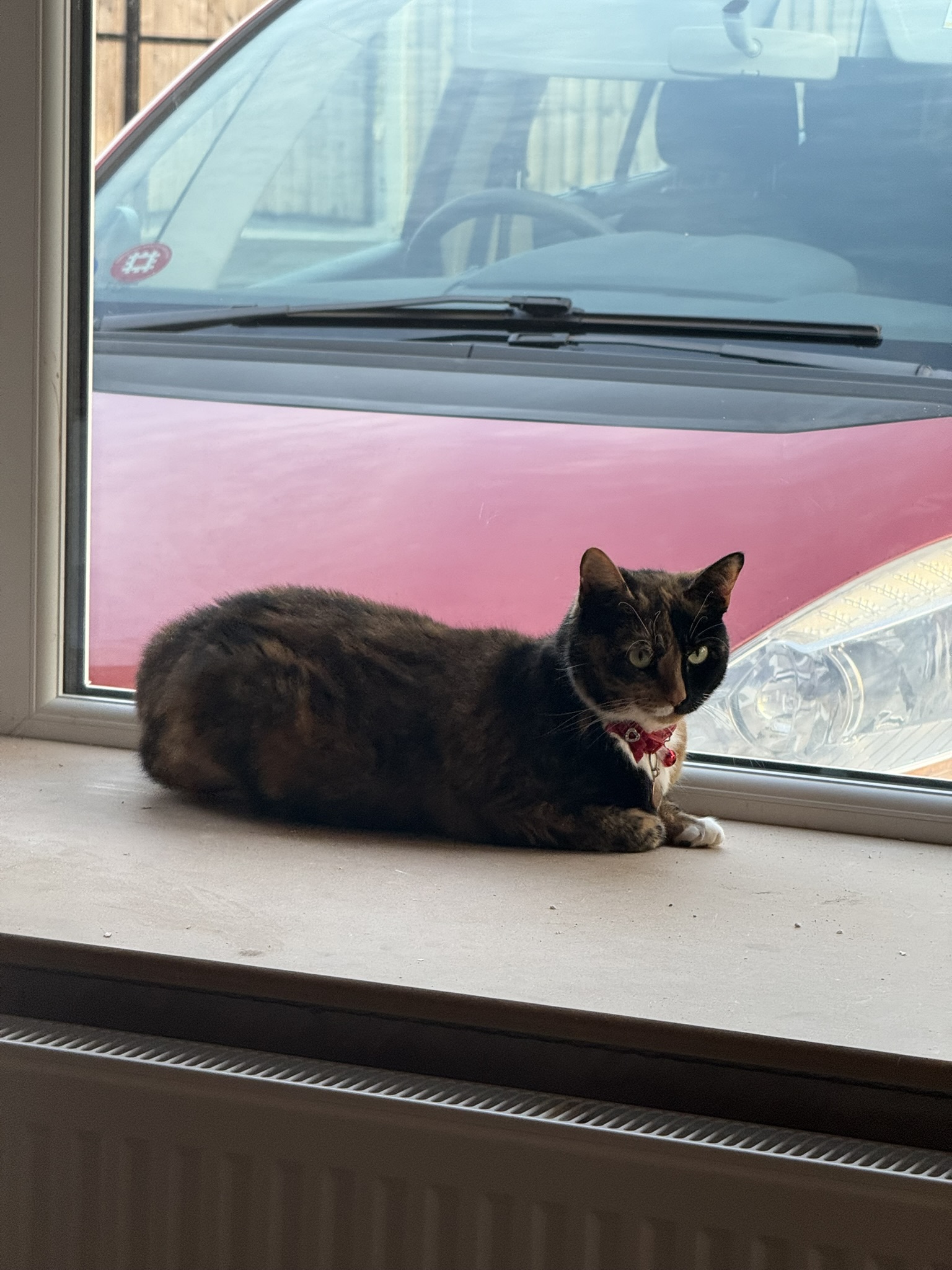
Stella cat sat on a window ledge. Through the window a quite old red car with not much in the way of modern tech, and certainly no AI.

When I cannot avoid AI:

  • I scroll past it at work when I’m using Google or Bing. (I’m not paying for Kagi at work). I’m only enough to remember an internet without Google. The problem is, I could probably save time by using the data in the AI summaries, especially some of the more technical stuff.
  • I check sources sent to me from colleagues. It’s not that I don’t trust their judgment, it’s just I’ve learned a lot through bitter experience.

What I’m unsure about:

  • Translations.
  • Everything else online. This one’s a biggie isn’t it.

The thing is, how can AI and large language models be defined? I’m old enough to remember (you’ve heard this phrase before) much simpler stand-alone and connected systems:

  • When computers weren’t powerful enough to do anything but simulate an intelligence, e.g. ELIZA, a natural language processing program. It was interesting but after even casual use didn’t really give the impression it understood the conversation. Illusion.
  • Infocom adventures – interactive fiction. They used a limited parser to navigate a path through imaginary worlds full of monsters and traps. Spellbinding stuff. If you’ve ever seen a variation on “You are standing in an open field west of a white house, with a boarded front door. There is a small mailbox here.” then you have a glimpse of how important the Zork adventure was.
  • The first telephone banking automations, the “Read out the 16-digit long number after the beep”, and the “Say yes” kind of things.

I suppose one could lump these two into a small language model type? And I’m probably using the word ‘simulate’ incorrectly too.

Dunno what’s next as I slowly remove AI.

Obsolescence?
Human made Webring

I happen to be lazy when it comes to generating blog posts. No, I don’t use any form of AI1, I just occasionally repurpose text I’ve made elsewhere.

So here is one lightly remodelled from an email I sent asking to sign up to The Human made Webring, a ring highlighting sites made by people against using AI slop in their personal websites.

Great idea @peach@phpc.social!

So what is a webring? A collection of sites set up around a ring-like structure with simple links to a previous site, a next site, and a random site. Look at the bottom of each of my pages here for more. (As of the time of writing I’m not in the ring so only previous and next work).

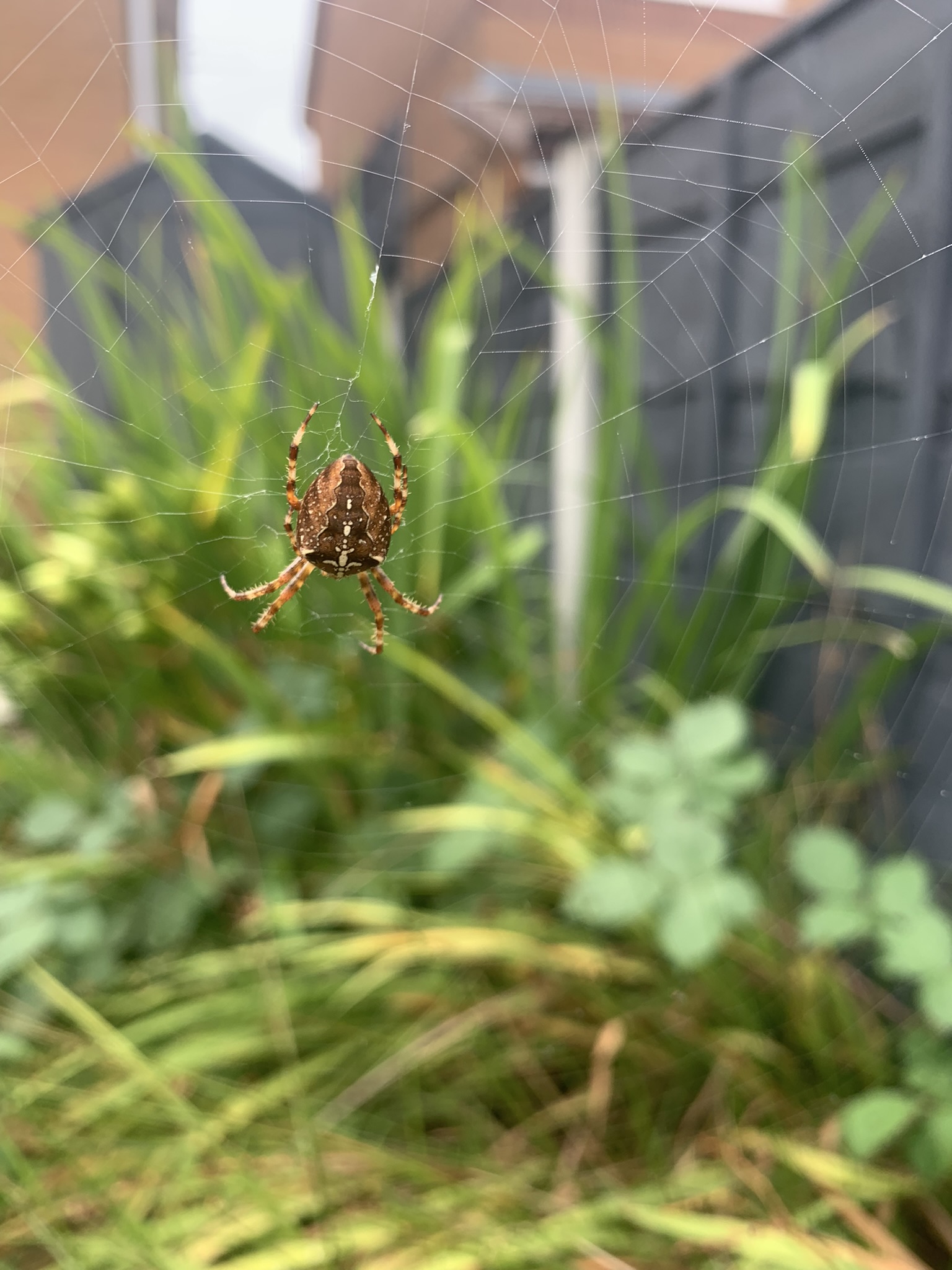
A photo of a spider and its web in a garden. It's probably the most appropriate of my photos to illustrate how the web works and webrings work. (p.s. I don't know how the web works).
A photo of a spider and its web in a garden. It’s probably the most appropriate of my photos to illustrate how the web works and webrings work. (p.s. I don’t know how the web works).

It’s been decades since I last signed up to one – something I found on GeoCities, so probably common during the late nineties and early noughties. I’ve not gained much in the way of social reach since, so I won’t be much of a publicist or evangelist. But as a member and consumer of fediverse content I’m definitely hoping this takes off!

Best wishes to everyone who signs up!


  1. I have one AI-generated image in this blog. A prize to whoever finds it. (The prize is not having to read more of my blog). 🙂

Test 2026-01-17

Erm… my Python script is borked. Will posting this clear it?

Edit: no.

Edit2: the first failure I have a date for was December 20 2025. Not sure if I have the need or desire to debug.

Authenticator

The iOS Microsoft Authenticator app lost my 2FA codes. Luckily there’s only one that mattered today, and I could temporarily disable the Wordfence security plugin to gain access to my blog.

This underscores the importance of retaining backup recovery codes. Somehow at least, I’ve not actually figured that bit out just yet.

Stella cat looking intently through the white-painted stair rail.

Themes

Update below, maybe WordPress isn’t so bad after all?


I broke my WordPress self-hosted/managed site earlier simply by installing a theme, the one named ‘Default’.

The hosts’s AI troubleshooter failed miserably to make any form of difference when I started it.

To fix it ‘manually’ I first attempted to follow the help page linked to in the error message – go into myPHP and deactivate all the plugins.

Nope.

So then I searched for help directly related to WordPress themes and found the way to fix it is to delete the offending theme folder and rename an existing folder to the offending one.

Success, and I felt lucky I knew which theme was active.

And even more luckily everything is back up again.

My hosting plan includes only weekly automatic backups so yes, I just started one now.

Painful isn’t it, how something so complex can be broken by something so apparently simple as a site theme change.

Anyway, I just looked for similar issues with it and eventually arrived at the WordPress.org forum. The only response i found to its incompatibility with a previous version of PHP was the original poster replying to their own post to make a technical change within the theme file definition.

Pointless reporting it if there’s nowhere to report it, so I’ve given up and I’m sticking with ‘Simple Grey’.


Update: While attempting to fix my site I was sent an email from WordPress, “@bazbt3 🏡 Your Site is Experiencing a Technical Issue”. I was busy so didn’t notice it. The email described the fault and contained a special link to bypass the dashboard I couldn’t access – to enter a “special recovery mode”. Maybe now I know this is a thing, the next time the site breaks I’ll be more patient?

Micro.blog initial issues

I’ve had a few fairly fundamental issues since setting up my custom domain on Micro.blog. Though my username is discoverable on Mastodon (Appdot.net) and the blog works at bt3.com with all links looking good, quite a few are concerning me.

I’ve asked for help via help@micro.blog, when they can spare the time, and I’ve posted this here not to whinge about it but so I remember how things started before I start messing about with CSS, styling my blog. 😱

Ok, the list:

  • Posts no longer automatically appear in my Micro.blog timeline.
  • Neither blog posts nor RSS feeds automatically crosspost to Mastodon, I have either to crosspost from ‘Pages’ or refresh feeds manually on the ‘Sources/Feeds’ page.
  • The comments box under posts is completely absent.
  • None of the comments made by me and others on Micro.blog or Mastodon before or after I set up the domain are visibly linked below the posts. They’re in the timeline though.
  • My custom 404 page does not display when I test by creating a non-existent URL. It’s the same for both the 404.html and the page at layouts/404.html – in a custom theme based under ‘Marfa’ or others, and edited wholly from the ‘Design’ page. Here’s the design I’ve used on both: https://bt3.com/404.html/ (a work in progress).

I’ve checked through the Help pages too, and this isn’t unusual.

Bluesky

I’m sure it’s just me but I can’t summon up the enthusiasm to continue even to crosspost to the Bluesky site. Why? Well, 2 reasons. My social home is the Mastodon-based appdot.net, and now I’ve tried Micro.blog I cannot decide between my self-hosted WordPress blog and one at Micro.blog.

I’m using Bluesky to pull together a few sports reporters and social accounts recently moved from Twitter/X. And that’s all.

The social aspect of being able to blog at Micro.blog and have replies in-line with the posts is compelling. However I’ve been using WordPress for some years now and I’m comfortable with it, but the official plugin linking it to Mastodon simply didn’t work for me. And if I’ve got this right I can continue with the WordPress blog and have it imported to Micro.blog – magic! I know it’s one-way so if I post to Micro.blog it won’t appear in the WordPress blog, but hey, do I care?

Not really.

So what’s next? A todo list:

  • I’ve turned off crossposting to Bluesky.
  • I need to unfollow the ‘Bridgy Fed’ bot to terminate the link between appdot.net and Bluesky.
  • I’ll probably add text in my Bluesky bio to mark it ‘read-only’.
  • I’m definitely going to experiment with retaining a link between my WordPress blog and the Micro.blog site for the duration of the free trial. At least hoping it’s automatic.
  • I’m unlikely to link my domain with Micro.blog within the trial period, even though it’s recommended to do it.

I’m so glad I’ve chosen to think about this over the weekend, it’s bordering on an obsession this trying to find out how things work.

Social sharing

Here’s the first automatic blog post to Mastodon with, I hope, restricted commenting features. (I removed the ability to comment some time ago, so I’m not sure what will happen next. I hope it means comments stay on Mastodon).

Basic security

One of the basic requirements of me using the free ‘IP2Location’ WordPress plugin for my blog is that its authors ask for attribution, which is fair. So here it is:

I just installed and configured the country blocking plugin from https://www.ip2location.com. I found it after a quick web search led me to this page: https://blog.hubspot.com/website/wordpress-plugin-to-block-countries.

The setup procedure is pretty simple: install it from the WordPress dashboard, sign up for a free account at IP2Location to install the database and stuff, and setup the block rules for countries or IP addresses.

An AI-generated monochrome image of a 1980s home computer on fire. Now if one owned such a beast of a computer it's likely one was very serious indeed about computing. I was. One PC had a 'Matrox Millennium' graphics card with an unimaginably vast 4 megabytes of video RAM.
An AI generated image I created to illustrate a point I’ve already forgotten.

(I didn’t want to pay Wordfence to extend their so-far excellent monitoring and blocking service, at least not yet).

DEVONthink

I’ve moved all of my notes and bookmarks from the Obsidian writing/knowledgebase app into the similar DEVONthink document manager.

Although I’ve known of it for years I’ve resisted DEVONthink mainly because of its cost.

Over those years I’ve spent time with Microsoft OneNote (cross-platform & web), Drafts (iOS & Mac) and Obsidian (cross-platform). But, just as for personal use I’ve previously moved from the Omnifocus task manager to pretty much everything else – and always back again – I have the feeling I should probably have trialled this when I first found it.

One of DEVONthink’s strengths is its ability to simultaneously synchronise with a number of document stores. I’m considering (if my shared web hosting plan allows) attempting to store one copy as WEBDAV, with one in a Dropbox folder.

At least there’s no appreciable lag using iCloud – opening Obsidian could take literal minutes.

And I’m collecting RSS feeds into it instead of using a dedicated reader. RSS, yeah.